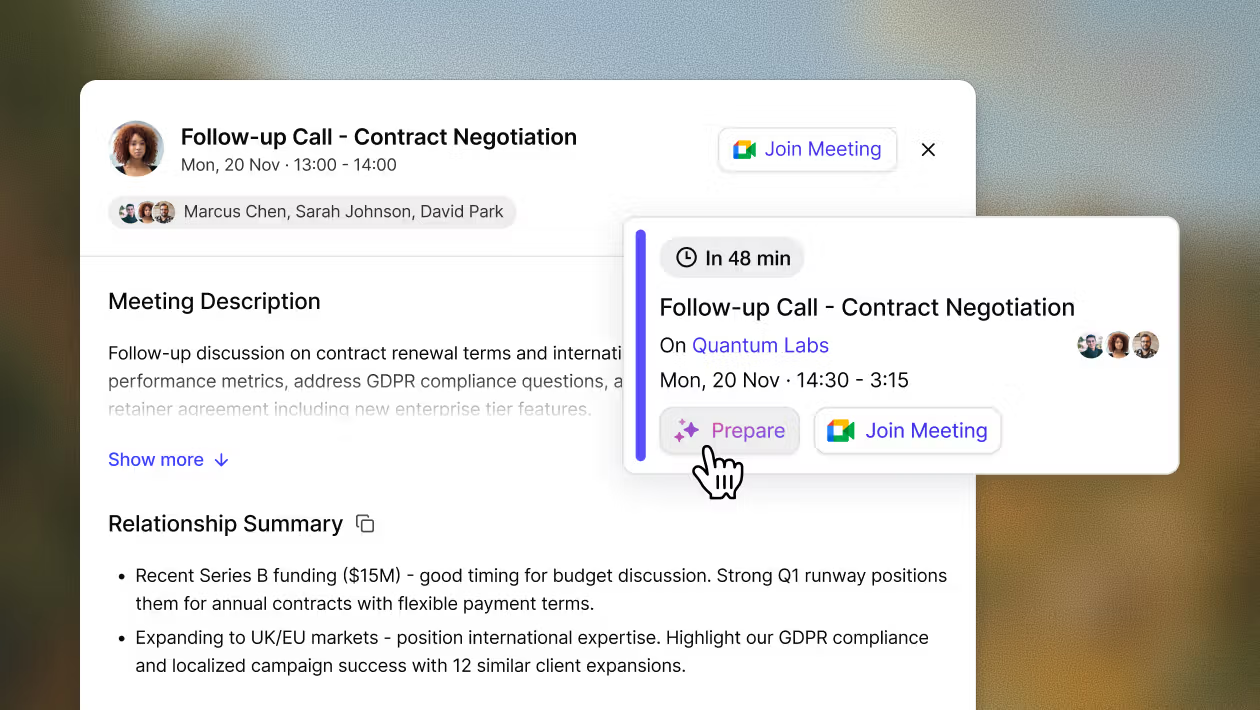
Gmail Integration for Sage CRM
You can now extend the reach of your Sage data by integrating with the popular email platforms, Gmail. Accelerator is no longer just Outlook Integration. Gmail integration either alongside Microsoft Outlook or as a strong alternative. The option is there!
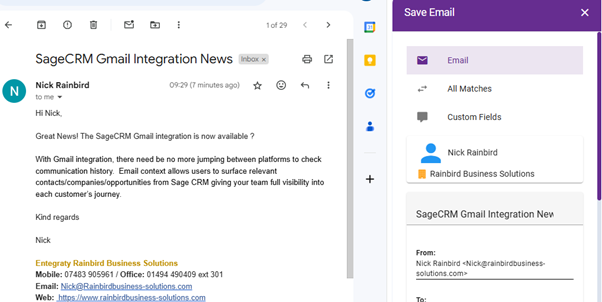
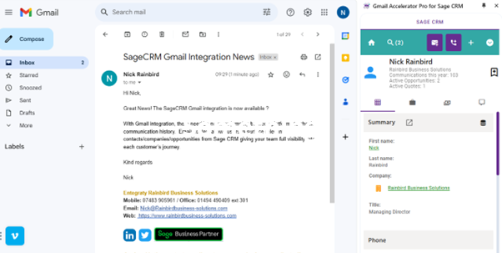
With Gmail integration, there need be no more jumping between platforms to check communication history. Email context allows users to surface relevant contacts/companies/opportunities from Sage CRM giving your team full visibility into each customer’s journey.
Effortless Data Updates
Say goodbye to manual data entry. Accelerator Gmail integration allows you to convert emails into Companies, Contacts, Sales, and Cases. You can file emails, attachments, and log call information directly from Gmail, enhancing efficiency.
Create New Entities
Accelerator Gmail Integration empowers you to create new entities in CRM. Whether it's a new company, person, opportunity, or case, you have the flexibility to customize primary entities to your specific needs.
With Gmail integration, there need be no more jumping between platforms to check communication history. Email context allows users to surface relevant contacts/companies/opportunities from Sage CRM giving your team full visibility into each customer’s journey.
Effortless Data Updates
Say goodbye to manual data entry. Accelerator Gmail integration allows you to convert emails into Companies, Contacts, Sales, and Cases. You can file emails, attachments, and log call information directly from Gmail, enhancing efficiency.
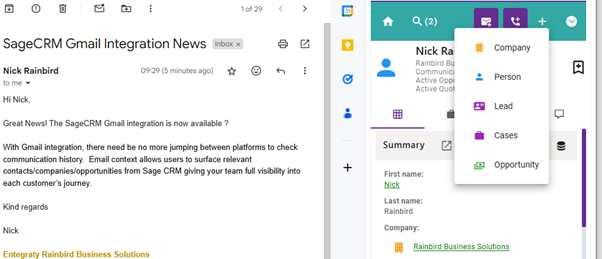
Filing emails to have that illusive 360degree view of a customer
Filing email communications in Sage CRM means a comprehensive appreciation of where a customer is at in their relationship with your business. It promotes better organization, collaboration, and customer service while boosting overall efficiency.
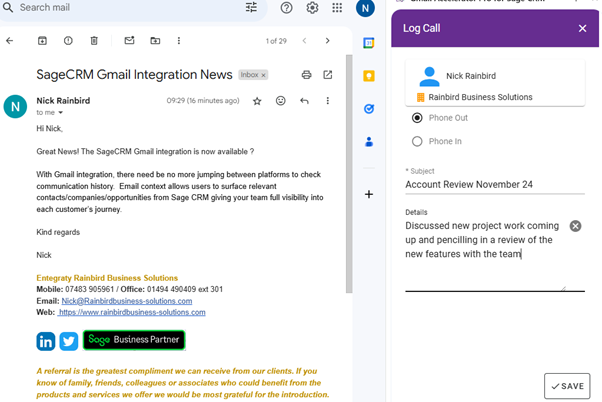
Log Phone Call Information
Keep track of phone call details effortlessly within Gmail, preventing gaps in customer engagement data.
Search Sage CRM Data
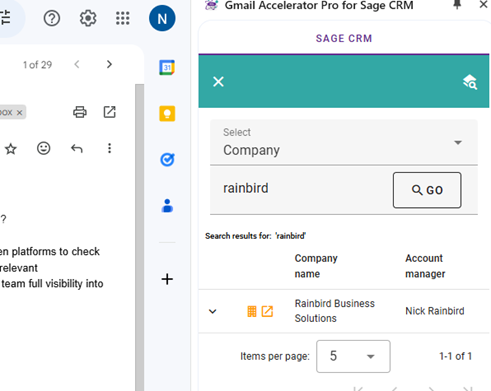
From within Gmail, search for any entity and review up to date communications including phone calls or emails sent. Search by entity type, review a calendar history of usage in Accelerator or finally bookmark items of priority and access quickly and efficiently.
Sage CRM Tasks
Creating tasks in Sage CRM enhances organization, collaboration, and efficiency, leading to better business outcomes. Without screen switching this can be done from withing Gmail in context
If you would like to find out more about the Gmail integration for SageCRM please feel free to get in touch on 01494 490409 or email me at nick@rainbirdbusiness-solutions.com to discuss these further.
Credit: CRM Together - https://crmtogether.com/
Stay Connected with ERBS
Read our latest updates
Enquire now
Get in touch